
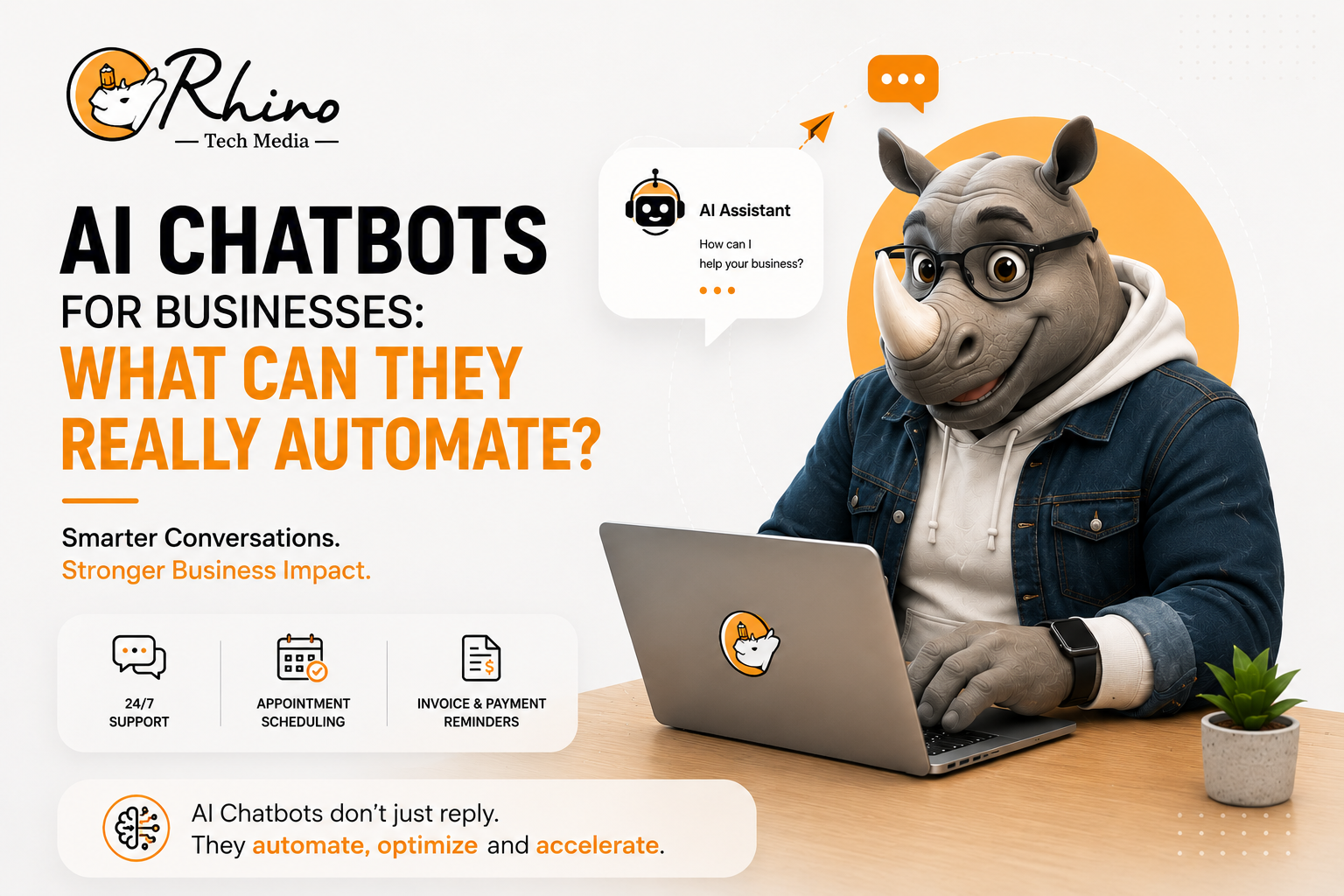
AI chatbots have moved far beyond answering basic customer questions. Businesses now use conversational AI to qualify leads, schedule appointments, track orders, support employees, answer product questions, and automate repetitive customer service tasks.
But simply adding a chatbot to a website does not automatically create business value. The real benefit comes when an AI chatbot is connected to reliable information and useful business systems.
A well-designed chatbot can understand customer intent, provide relevant answers, complete approved tasks, and recognize when a conversation needs human attention.
So, what can AI chatbots for businesses really automate, and where should companies still rely on people?
What Are AI Chatbots for Businesses?
An AI chatbot is software that uses artificial intelligence to understand natural-language questions and respond through text or voice.
Modern conversational AI can work across websites, mobile applications, messaging platforms, and customer service channels. Unlike traditional rule-based bots that depend on fixed menus and predefined responses, newer AI systems can understand different ways of asking the same question and respond based on context.
For businesses, this creates an opportunity to automate routine interactions while allowing employees to focus on complex problems, customer relationships, and strategic work.
What Can AI Chatbots Actually Automate?
The strongest chatbot automation opportunities usually involve tasks that are repetitive, high-volume, predictable, and based on reliable information.
1. Customer Questions and FAQs
Answering frequently asked questions is one of the simplest chatbot use cases.
An AI chatbot can provide information about:
- Products and services
- Pricing and plans
- Business hours
- Shipping and delivery
- Return policies
- Account procedures
- Basic troubleshooting
For example, instead of a support employee answering “Where is my order?” throughout the day, a chatbot connected to the company’s order system can retrieve the latest status and provide an update.
The key is accurate business data. A chatbot is only as useful as the information behind it.
2. Lead Qualification
AI chatbots can help sales teams identify promising prospects before a salesperson gets involved.
A chatbot can ask visitors about their:
- Business requirements
- Budget
- Preferred service
- Purchase timeline
- Company size
- Specific business challenge
It can then collect the responses and route qualified prospects to the appropriate salesperson.
For example, a digital marketing agency could use a chatbot to determine whether a visitor needs SEO, website development, social media marketing, or paid advertising. The sales team can then spend more time on relevant opportunities instead of manually sorting every inquiry.
3. Appointment Scheduling
Scheduling is another practical use of AI chatbot automation.
A customer might ask:
“Can I book a consultation for Thursday afternoon?”
If the chatbot is connected to an approved scheduling system, it can check available slots, collect the required information, confirm the appointment, and send a reminder.
This can benefit consultants, educational institutions, healthcare organizations, professional service providers, and other appointment-based businesses.
4. Order and Account Support
Chatbots become more useful when they can connect with business systems instead of simply providing general information.
Depending on integrations and permissions, a chatbot may help customers:
- Track orders
- Check delivery status
- Request invoices
- View subscription information
- Start a return request
- Update selected account details
- Find product information
This moves conversational AI beyond answering questions and into business process automation.
5. Internal Employee Support
AI chatbots can also help employees.
Companies can create internal AI assistants that help staff find information about:
- HR policies
- IT procedures
- Training materials
- Company processes
- Product documentation
- Benefits
- Internal knowledge
For example, an employee could ask, “How do I request annual leave?” and receive an answer based on approved company documentation.
This can reduce repetitive questions sent to HR and IT teams while making organizational knowledge easier to access.
Businesses exploring this area can also learn about AI knowledge management and protecting corporate knowledge.
Can AI Chatbots Improve Employee Productivity?
Research suggests that AI assistance can improve productivity, particularly for repetitive customer-support work.
A National Bureau of Economic Research study examined 5,179 customer-support agents using a generative-AI conversational assistant. Researchers found that AI assistance increased productivity, measured by issues resolved per hour, by 14% on average. Productivity improved by about 34% among novice and lower-skilled workers. (NBER)
This shows how AI can support employees without necessarily replacing them. When routine work is handled faster, employees can spend more time on complex customer needs and problems that require judgment.
What Should AI Chatbots Not Automate?
Not every business process should be fully automated.
Complex or Sensitive Complaints
Serious complaints, disputes, or emotionally sensitive situations may require empathy and human judgment.
High-Risk Decisions
Businesses should be particularly careful when AI is involved in healthcare, finance, employment, legal matters, or other high-impact decisions.
AI can assist with information and workflows, but appropriate human oversight remains important.
Unusual Requests
Even advanced AI systems can encounter questions outside their available information, permissions, or business rules.
A reliable chatbot should recognize uncertainty and escalate the conversation rather than confidently provide an inaccurate answer.
Human Handoff Is Part of Good Automation
Successful chatbot automation does not mean removing humans from the customer journey.
The strongest systems combine AI with human support:
Customer asks a question → AI identifies the request → routine issue is resolved → complex issue is escalated → employee receives the conversation history → human support continues.
This saves time while preventing customers from having to repeat their problem to every support representative.
Security should also be considered when deploying AI-powered customer support. Our article on AI customer support security risks explores how poorly protected AI systems can create new business risks.
What Should Businesses Automate First?
Companies do not need to automate everything at once.
Start with processes that are:
- Repetitive
- High-volume
- Time-consuming
- Based on trustworthy information
- Relatively low-risk
- Easy to measure
Review the questions your customer service and sales teams receive most frequently. If employees answer the same questions every day, those interactions may be strong candidates for automation.
A company might begin with FAQ support and order tracking before expanding into lead qualification, appointment scheduling, or more advanced workflows.
Starting small makes it easier to identify problems and improve the chatbot before giving it more responsibilities.
How to Measure AI Chatbot Success?
Launching a chatbot is only the beginning. Businesses need to determine whether it is actually improving customer experience and operational efficiency.
Useful metrics include:
- Customer satisfaction
- Resolution rate
- Human escalation rate
- Average response time
- Cost per interaction
- Lead qualification rate
- Appointment completion rate
- Conversion rate
- Employee time saved
A chatbot that handles thousands of conversations is not automatically successful. If customers frequently become frustrated or receive incorrect information, the business needs to improve the chatbot’s knowledge or workflow.
The objective should be better business outcomes, not simply more automated conversations.
AI Chatbots Are Moving Beyond Simple FAQs
The next stage of conversational AI is moving from answering questions toward completing tasks.
Salesforce’s 2025 State of Service research, based on a survey of 6,500 service professionals globally, found that service teams estimated AI was handling 30% of customer service cases in 2025 and expected that figure to reach 50% by 2027. (Salesforce)
The India-specific findings are particularly relevant. Salesforce reported that Indian service professionals also estimated AI was handling 30% of cases and expected that share to reach 50% by 2027. Security was identified as a leading concern affecting AI adoption among Indian service leaders. (Salesforce India)
This points to a broader shift. Future AI systems will increasingly combine conversation with actions such as retrieving information, updating records, scheduling services, or initiating approved workflows.
Best Practices for Implementing an AI Chatbot
Businesses can improve chatbot performance by following a few practical principles:
Start with one clear problem: Choose a specific workflow instead of trying to automate everything.
Use trusted information: Keep product details, pricing, policies, and support documentation accurate and current.
Connect relevant systems: CRM, ecommerce, scheduling, and knowledge-management integrations can make a chatbot much more useful.
Build human escalation into the design: Customers should have a clear path to appropriate human assistance.
Monitor conversations: Review incorrect answers, failed workflows, and recurring customer complaints.
Protect customer data: Use appropriate permissions, access controls, security measures, and privacy practices.
Measure business impact: Track customer experience, productivity, cost savings, and revenue-related outcomes.
Conclusion
AI chatbots can automate much more than basic FAQs. They can qualify leads, schedule appointments, track orders, support employees, and handle repetitive customer service tasks.
The best results come from choosing the right processes, using reliable data, and connecting AI with the systems employees and customers already use.
For businesses considering chatbot automation, start with one repetitive task, measure the results, and expand gradually. Done well, AI can reduce routine workloads while helping teams focus on customers, decisions, and growth.
