
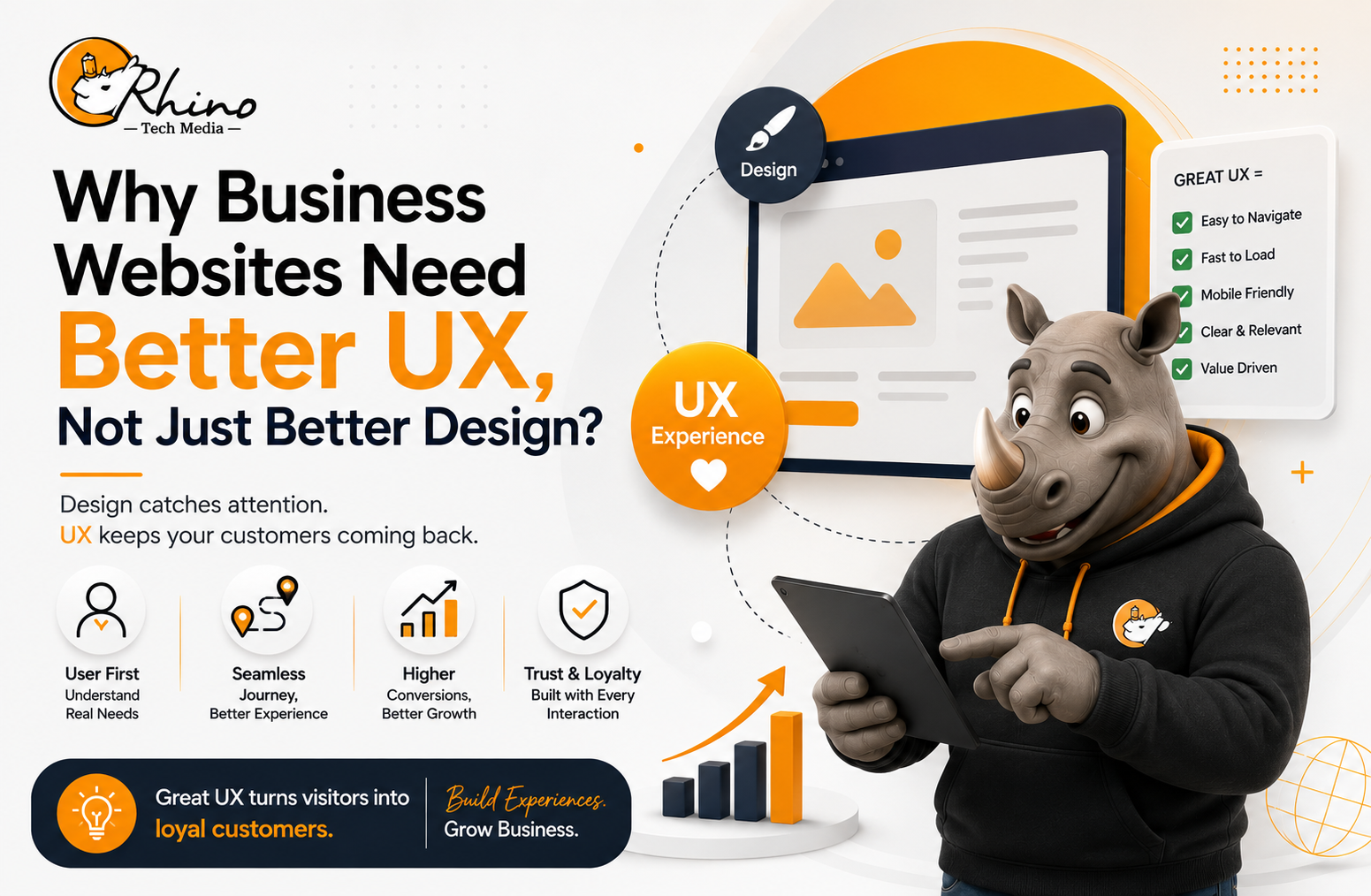
A business website can look modern, professional, and visually impressive and still fail to generate leads, enquiries, or sales.
Why? Because good design does not automatically mean good user experience (UX).
Website design focuses mainly on how a website looks, while UX focuses on how easily visitors can use it, find information, understand the business, and take action.
Today, visitors expect websites to load quickly, work smoothly on mobile devices, provide useful information, and make the next step clear. Google also encourages businesses to create helpful, people-first content and provide a strong overall page experience.
For businesses, a website should not simply look good. It should work well for the people who use it.
Website Design vs UX
Website design focuses on visual elements such as:
- Colours and branding
- Typography
- Images and graphics
- Page layouts
- Visual hierarchy
- Buttons and animations
UX covers the complete visitor experience, including:
- Easy navigation
- Fast page loading
- Mobile usability
- Clear content
- Simple forms
- Accessibility
- Logical page structure
- Clear calls to action
For example, a software company may have an attractive homepage with impressive animations. But if visitors cannot quickly understand what the software does, who it is for, or how to request a demo, the website has a UX problem.
A better website guides visitors through a simple journey:
Problem → Solution → Benefits → Proof → Action
This structure helps users understand the business and decide what to do next.
Why UX Matters for Business Websites?
Your website is often one of the first places where a potential customer interacts with your company. A confusing experience can create doubt, while a clear and useful experience can build confidence.
1. Good UX Builds Trust
Visitors want to know:
- Is this company legitimate?
- Can I trust its services?
- Does it understand my problem?
- How can I contact them?
- Can I verify its claims?
Businesses can build trust by providing company information, contact details, customer testimonials, case studies, team information, service details, and accurate content.
Research from Stanford’s Web Credibility Project identified professional design, usability, useful information, visible expertise, and clear contact details as important factors in website credibility.
Trust is not created by design alone. It comes from making useful information easy to find.
2. Good UX Reduces Friction
Every unnecessary step can reduce the chance of conversion.
Imagine a potential customer wants a quote. If they have to search through several pages, complete a long form, and provide unnecessary information, they may simply leave.
Clear calls to action can make the process easier:
- Request a Quote
- Book a Consultation
- Get Started
- Talk to an Expert
- Download the Guide
A CTA should clearly tell visitors what action they are taking and what they can expect next.
Website Speed Is Part of UX?
A visually impressive website cannot provide a good experience if it is slow.
Google’s Core Web Vitals measure real-world user experience across loading performance, responsiveness, and visual stability. Google’s recommended thresholds for a good experience include:
- LCP: 2.5 seconds or less
- INP: Less than 200 milliseconds
- CLS: Less than 0.1
Businesses can improve website speed by:
- Compressing large images
- Reducing unnecessary scripts
- Removing unused plugins
- Improving server response time
- Using browser caching
- Limiting heavy animations
- Monitoring Core Web Vitals
However, businesses should not treat these metrics as their entire SEO strategy. Page experience also includes mobile usability, security, intrusive interstitials, and how easily visitors can access the main content.
The goal should be simple: make the website faster and easier for real people to use.
Mobile UX Should Be a Priority
A website that works well on desktop but is difficult to use on a smartphone still provides a poor experience.
Mobile visitors should be able to:
- Read content without zooming
- Tap buttons easily
- Navigate without confusion
- Complete forms comfortably
- Find contact information quickly
- Access important information without excessive scrolling
Businesses should test websites across different screen sizes. Responsive design alone does not guarantee good UX.
A mobile-friendly website should make navigation, forms, buttons, and content feel natural on smaller screens.
Accessibility Is Part of Better UX
A professional website should be usable by as many people as possible, including people with disabilities.
Accessibility improvements can also make websites easier for everyone. Clear headings improve readability, good colour contrast makes text easier to read, descriptive links improve navigation, proper form labels reduce confusion, and alternative text helps communicate image information.
The WebAIM Million 2026 report analysed one million home pages and showed that accessibility remains a major challenge across the web. Common issues include low-contrast text, missing alternative text, missing form labels, and other WCAG failures.
Accessibility should therefore be considered during website planning and development rather than added later.
Better UX Can Support Better SEO
UX and SEO should not be treated as completely separate activities.
Search engines need to understand website content, while users need to understand and navigate that content. A well-structured website can support both goals.
Google encourages businesses to create helpful, reliable, people-first content and discusses E-E-A-T, which stands for experience, expertise, authoritativeness, and trustworthiness.
Strong business pages should use:
- A clear H1
- Logical H2 and H3 headings
- Short paragraphs
- Helpful information
- Relevant internal links
- Descriptive page titles
- Natural keyword usage
- Clear calls to action
Businesses should not create pages purely for keywords.
Create useful content for people first, then optimise it for search.
For more practical guidance, explore Rhino Tech Media’s Actionable Tips on Crafting Compelling Content and Optimizing for Search.
User Intent Should Guide Website Content
Good UX starts with understanding what visitors actually want.
Someone searching for “website development company” may be comparing providers. Someone searching for “website development cost” may be researching prices. Another visitor may already know the company and simply want to contact it.
Each visitor has a different level of intent.
Understanding search intent helps businesses create pages that answer the right questions at the right stage of the customer journey.
Instead of asking only:
“What keywords should we target?”
Businesses should also ask:
“What does this visitor need to know next?”
This approach can lead to more relevant content, better navigation, and a stronger user experience.
For more information, explore Rhino Tech Media’s Aligning AI-Generated Content With User Intent for Better Ranking and Relevance.
Common UX Mistakes to Avoid
Too Much Information
Trying to explain everything on the homepage can overwhelm visitors. Show the most important information first and guide users to detailed pages when needed.
Unclear CTAs
A button labelled “Submit” provides little context. “Request a Free Consultation” clearly communicates the action.
Too Many Pop-Ups
Pop-ups can support lead generation, but excessive interruptions can frustrate users. Businesses should avoid intrusive elements that make it difficult to access the main content.
Designing for the Business Instead of the Customer
Internal terminology may make sense to employees but confuse customers. Website content should focus on customer problems, questions, benefits, and outcomes.
How to Improve Website UX?
A complete website redesign is not always necessary. Start with the areas causing the most friction.
Step 1: Review Important Pages
Start with your homepage, service pages, product pages, landing pages, and contact page.
Ask:
Can a first-time visitor understand what the business offers within a few seconds?
Step 2: Test Important User Journeys
Use the website like a customer.
Can you find a service? Contact the company? Understand the next step? Complete a form on mobile?
Simple user testing can reveal problems that are easy to miss during development.
Step 3: Study Website Data
Use analytics and Search Console data to understand:
- Which pages receive traffic
- Where visitors leave
- Which pages generate leads
- How mobile users behave
- Which search queries bring visitors
- Which pages have performance issues
Real user data can help businesses make better UX decisions.
Step 4: Fix High-Impact Problems First
Prioritise:
- Slow pages
- Confusing navigation
- Weak CTAs
- Complicated forms
- Poor mobile usability
- Missing trust signals
- Accessibility barriers
Then measure the results and continue improving.
UX Is a Business Strategy
A website is more than an online brochure. It can support sales, marketing, lead generation, customer service, brand credibility, and customer education.
That is why UX should work alongside SEO, content marketing, and digital marketing.
Businesses looking to strengthen their online presence can also explore Rhino Tech Media’s Powerful Digital Marketing Channels for Small Businesses.
The strongest business websites are not necessarily the ones with the most animations or complicated layouts. They are the ones that help visitors achieve their goals quickly and confidently.
Conclusion
A successful business website needs more than attractive design. It should be fast, clear, accessible, mobile-friendly, trustworthy, and easy to navigate.
Better UX can improve how customers interact with a brand while supporting SEO and business goals.
If your website looks good but is not delivering results, it may be time to look beyond design and focus on the experience.
Make your website easier to use, give visitors clear answers, and make the next step simple.
