
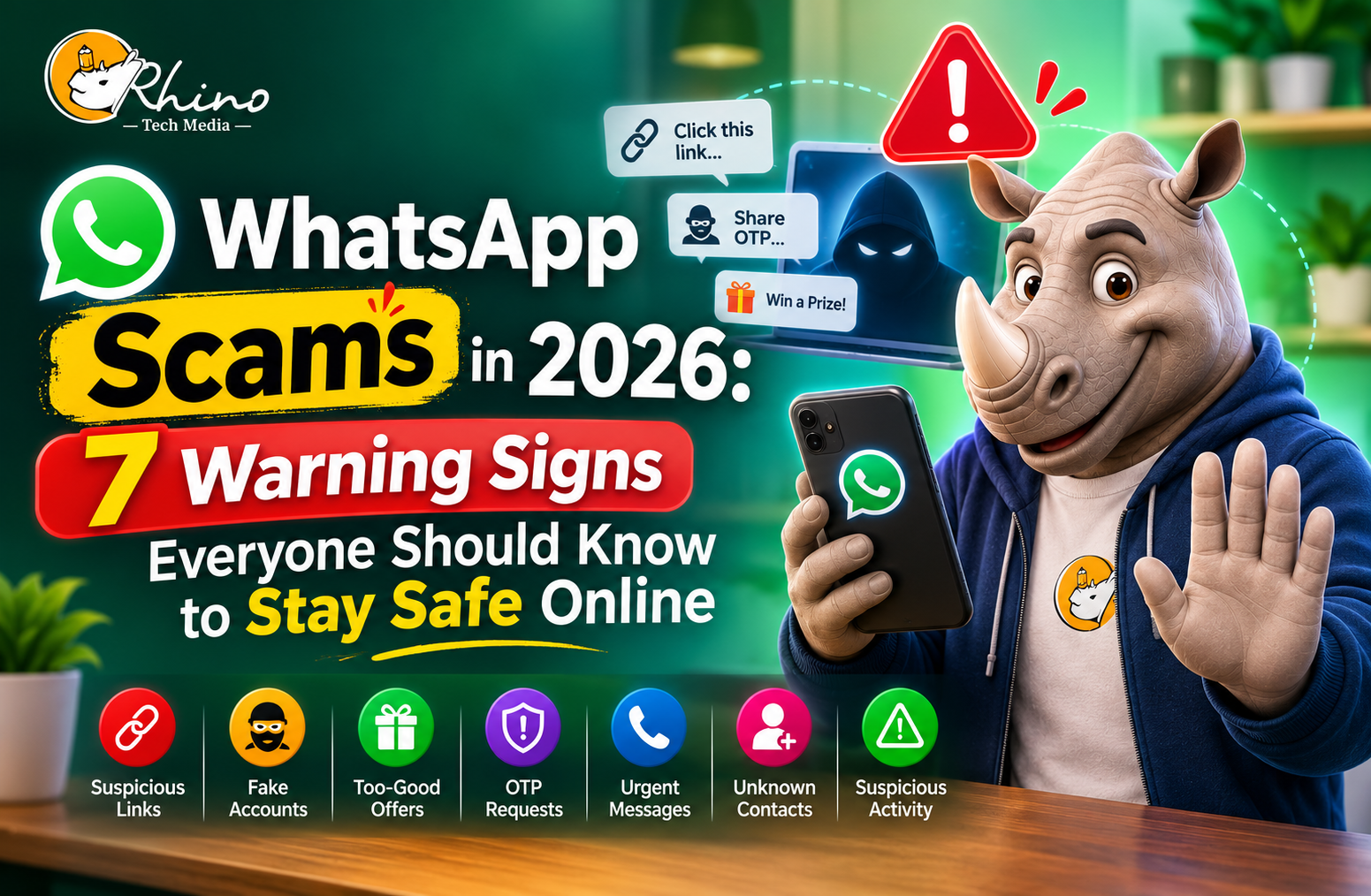
Not Every WhatsApp Message Deserves Your Trust
You receive a message from an unknown number offering a job. A few hours later, someone claiming to be your bank asks you to verify your account. Then, a familiar contact suddenly requests money for an emergency.
Would you know which messages to trust?
WhatsApp has become part of our everyday routine. We use it to catch up with friends, share personal information, communicate at work and sometimes even make business transactions. Because we use it so often, it’s easy to let our guard down.
Unfortunately, scammers take advantage of that trust.
In 2026, fraudulent messages are becoming more convincing, with fake profiles, phishing links and AI-generated content making it harder to recognise suspicious activity.
The good news is that you don’t need advanced technical knowledge to protect yourself. You simply need to know what to look for.
Here are seven WhatsApp scam warning signs worth paying attention to.
Why Are WhatsApp Scams Becoming Harder to Recognise?
Scammers no longer rely only on poorly written messages or obvious promises of free money. Many now imitate familiar people, businesses and organisations to make their requests appear genuine.
The scale of the problem is concerning.
According to Meta, WhatsApp banned more than 6.8 million accounts linked to criminal scam centres during the first half of 2025.
The Federal Trade Commission (FTC) also reported that consumers lost $2.1 billion to social media scams in 2025. These figures reflect reported US consumer losses, not worldwide WhatsApp fraud.
They nevertheless show why recognising online fraud is increasingly important.
7 WhatsApp Scam Red Flags You Should Never Ignore
1. Messages That Make You Panic
Imagine receiving a message saying your bank account will be suspended unless you verify your details within the next 30 minutes.
Your first reaction might be to click the link and fix the problem.
That’s exactly what scammers want.
They create urgency because people are more likely to make mistakes when they feel pressured.
Look out for messages claiming:
- Your bank account has been restricted.
- Your delivery requires an unexpected payment.
- Your account will be deactivated.
- You must confirm personal details immediately.
What should you do?
Don’t rush. Visit the organisation’s official website or contact its customer support team independently. A message demanding immediate action deserves extra attention.
2. Someone Asking for Your OTP or Verification Code
Your WhatsApp verification code is meant for you, not anyone else.
Scammers may pretend to be customer support representatives or even people you know. They might say a code was sent to your phone by mistake and ask you to forward it.
Sharing that code could allow someone to register your number on another device and take control of your account.
Protect yourself:
- Never share verification codes or OTPs.
- Enable WhatsApp two-step verification.
- Review your linked devices regularly.
- Reject unfamiliar device-linking requests.
You can find more information in WhatsApp’s official Help Centre.
3. Unexpected Links and Suspicious Attachments
A friend sends you a message saying, “Have you seen this photo?” Naturally, you want to open it.
But the link might lead to a fake website designed to collect your passwords or personal information.
Scammers also disguise harmful attachments as invoices, delivery receipts and important documents.
Warning signs include:
- Unfamiliar shortened URLs.
- Unexpected prize notifications.
- Websites requesting login information.
- Attachments you weren’t expecting.
A safer approach: Check with the sender before opening unusual links or files. If a website asks for sensitive information, verify its address carefully.
Remember, even a trusted contact’s account could have been compromised.
4. Friends or Family Suddenly Asking for Money
This scam can be particularly difficult because it involves people you care about.
Imagine receiving a message from your sister saying she has lost her phone and urgently needs money. The profile picture looks familiar, and the situation sounds believable.
However, someone else could be using her identity or a compromised account.
AI-generated voice messages can make impersonation even more convincing.
Before sending money:
- Call the person using their saved number.
- Confirm the situation independently.
- Be cautious if they refuse a phone conversation.
- Never rely only on a profile picture or voice message.
A quick conversation can prevent a costly mistake.
5. Work-from-Home Offers That Sound Too Good to Be True
Who wouldn’t like earning extra money by completing a few simple online tasks?
Scammers use this idea to attract people looking for flexible work. You might receive an unexpected offer to earn money by liking videos, reviewing products or completing small tasks.
Initially, they may even pay you a small amount to build confidence.
Then comes the catch: you’re asked to deposit money to unlock additional tasks or withdraw your earnings.
Be careful if an offer includes:
- Guaranteed daily income.
- Registration or training fees.
- Upfront deposits.
- Unverified recruiters.
- Pressure to join immediately.
Research the employer and never pay money to secure a job. A genuine opportunity shouldn’t require repeated deposits before you can receive your salary.
6. Unknown Groups Promoting Investment Opportunities
Have you ever been added to a group where everyone appears to be making impressive investment profits?
You might see screenshots of successful trades, positive reviews and people encouraging others to join.
But not everyone in that group may be genuine.
Scammers sometimes create fake accounts and staged conversations to make fraudulent investment opportunities look trustworthy.
The FTC’s social media scam research found that investment scams accounted for more than half of reported social media scam losses.
Before investing:
- Research the platform independently.
- Check whether the provider is properly regulated.
- Ignore guaranteed-profit promises.
- Don’t trust screenshots as proof of earnings.
- Avoid making decisions under pressure.
An investment opportunity should stand on its own merits, not on convincing WhatsApp conversations.
7. Fake Payment Requests and QR Code Scams
Digital payments make everyday transactions easier, but scammers can misuse the same technology.
For example, someone might send you a QR code claiming that scanning it will help you receive a refund or collect a prize.
However, scanning the code could take you to a payment request instead.
Fraudsters may also share fake payment screenshots or pretend to be customer support agents to convince you to approve a transaction.
Keep these precautions in mind:
- Never approve unfamiliar payment requests.
- Check transactions through your official banking app.
- Don’t share payment PINs or banking passwords.
- Remember that receiving money generally doesn’t require entering your payment PIN.
- Verify payment confirmations before handing over goods.
Always understand what you’re approving before completing a transaction.
What Should You Do If You Receive a WhatsApp Scam Message?
Sometimes, even a careful person can fall for a convincing message. If you suspect you’ve been targeted, don’t panic. Focus on limiting the damage.
Follow these steps:
- Stop communicating: Don’t share additional information or follow the sender’s instructions.
- Block and report: Use WhatsApp’s built-in options to report suspicious accounts.
- Secure your account: Enable two-step verification and check linked devices.
- Contact your bank: If you’ve shared financial information or transferred money, notify your bank or payment provider immediately.
- Change compromised passwords: Update passwords for affected accounts, especially if you’ve reused them elsewhere.
- Report the incident: Contact the official cybercrime reporting authority in your country.
If someone has taken control of your WhatsApp account, follow the recovery instructions in the WhatsApp Help Centre.
Conclusion: Stay Connected Without Letting Your Guard Down
WhatsApp makes staying in touch easier, and there’s no reason to stop using it because of online scams. What matters is being aware of how fraudsters operate and knowing when something doesn’t feel right.
Whether it’s an unexpected request for money, a suspicious job offer or a link promising an exciting reward, take a moment to check before responding.
Keep your verification codes private, secure your account and question messages that create unnecessary pressure. Most importantly, don’t assume a familiar name or profile picture guarantees that you’re speaking to the right person.
Online safety doesn’t require complicated technology. It starts with everyday habits and a little common sense.
The next time an unexpected message lands in your inbox, pause before you click, share or send. That small decision could save you a much bigger problem.
