
For years, opening a browser has been the first step to almost everything we do online. We use browsers to check emails, research competitors, read news, shop, watch videos, and find answers to everyday questions.
But the way we use the internet is changing.
Think about a normal workday. You may start by searching for a market report, open several articles, compare different sources, copy important information into notes, and spend hours trying to understand what really matters. The internet gives us unlimited information, but finding the right information quickly has become a challenge.
This is where Artificial Intelligence (AI) is changing the browsing experience.
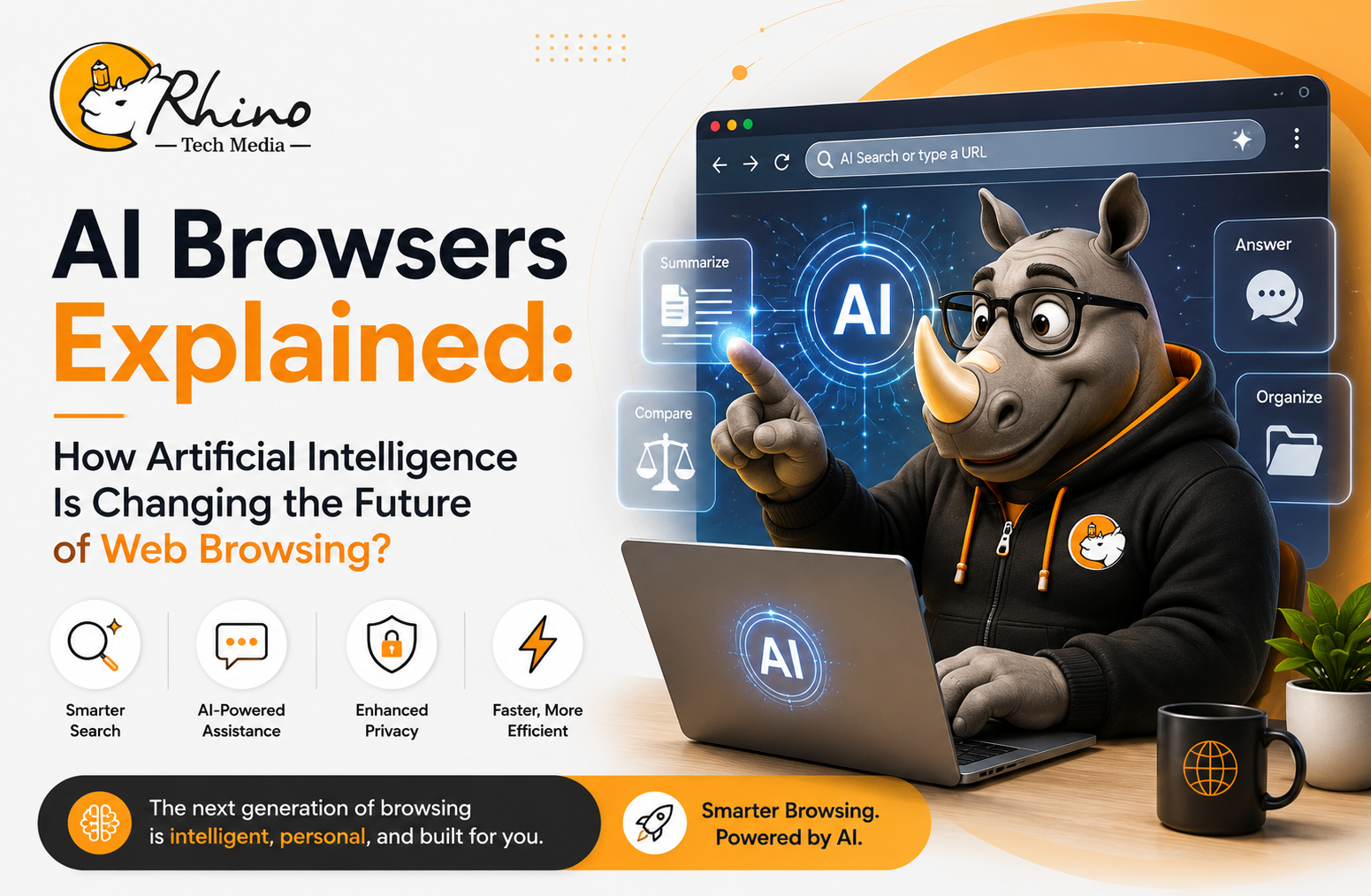
AI browsers are transforming traditional browsers from simple tools that open websites into intelligent assistants that can understand information, summarize content, answer questions, and help users complete tasks.
For businesses, this shift is important. AI browsers can help teams save time, improve research, and make better decisions by reducing the amount of manual work involved in finding and processing information.
What Is an AI Browser?
An AI browser is a web browser that includes built-in artificial intelligence features to help users understand, organize, and interact with online information.
Traditional browsers mainly act as a gateway to websites. They help users access information but leave the process of reading, analyzing, and organizing that information entirely to the user.
AI browsers add another layer of intelligence. They can understand webpage content, respond to questions, summarize information, and assist users while they browse.
Some common AI browser capabilities include:
- Summarizing long articles and reports
- Explaining complex information in simple language
- Comparing multiple sources
- Creating drafts for emails, reports, and presentations
- Organizing research notes
- Translating content
- Assisting with repetitive online tasks
Instead of spending time collecting information manually, users can focus more on understanding insights and taking action.
Why Traditional Browsing Is No Longer Enough?
The internet has become one of the largest sources of human knowledge. Every day, millions of pages, reports, videos, and documents are added online.
However, more information does not always mean easier access to answers.
Many professionals still spend hours:
- Searching through multiple websites
- Reading lengthy documents
- Comparing competitor information
- Reviewing market updates
- Checking whether information is reliable
- Managing dozens of browser tabs
This creates what many businesses now experience as information overload.
AI browsers address this problem by helping users filter, understand, and organize information faster. Instead of only showing search results, they help users make sense of those results.
How Do AI Browsers Work?
AI browsers use technologies such as Large Language Models (LLMs), Natural Language Processing (NLP), and Machine Learning to understand user questions and provide relevant responses.
Traditional browsing depends mainly on keywords.
For example, a user may search:
“Latest AI trends in healthcare”
An AI browser allows a more natural interaction:
“Summarize the latest AI trends in healthcare and explain how hospitals can benefit from them.”
The browser can analyze information, identify important points, and provide a simplified explanation.
Many AI browsers can also remember the context of a conversation during a browsing session. This means users can ask follow-up questions without repeating the entire search process.
Examples:
- “What are the main points?”
- “Compare this with another company.”
- “Explain this data.”
- “What business opportunities are mentioned?”
This makes browsing feel more like having a digital research assistant.
AI Browser vs AI Search: What Is the Difference?
AI Search and AI Browsers are connected, but they solve different problems.
AI Search mainly helps users find information and generate answers.
AI Browsers combine searching, reading, analyzing, and completing tasks within one experience.
| AI Search | AI Browser |
| Helps users find information | Helps users understand and use information |
| Focuses on answering questions | Supports complete workflows |
| Works mainly with search results | Works directly with webpages and content |
| Helps with discovery | Helps with productivity |
What Makes AI Browsers Different?
The biggest change is that browsers are moving from being information access tools to productivity tools.
Traditional browsers:
- Display websites
- Depend on keyword searches
- Require manual research
- Need separate tools for writing and analysis
AI browsers:
- Understand webpage content
- Answer questions conversationally
- Generate summaries instantly
- Support writing and research
- Reduce repetitive tasks
The goal is not to replace human thinking. Instead, AI browsers help people spend less time searching and more time making decisions.
Popular AI Browsers Leading the Change
Several companies are exploring how AI can improve the browsing experience.
Perplexity Comet
Perplexity AI focuses on AI-powered search and information discovery. Its approach helps users research topics, summarize information, and get answers based on online sources.
It can be useful for professionals who need quick research support without manually checking multiple websites.
Microsoft Edge with Copilot
Microsoft Edge Copilot Features brings AI assistance directly into the browser.
Users can summarize webpages, create content, analyze information, and work with documents without constantly switching between different applications.
This is especially useful for businesses already using Microsoft productivity tools.
Opera One with Aria
Opera combines browsing with an AI assistant called Aria. It provides support for writing, research, coding assistance, translation, and conversational queries.
Dia Browser
The Browser Company is exploring a more conversational browsing experience where AI becomes a natural part of everyday internet usage.
Why Businesses Should Pay Attention to AI Browsers?
The biggest value of AI browsers is not simply faster browsing. It is improving how people work.
Employees spend a large amount of time collecting information, preparing documents, writing emails, and researching topics.
AI browsers can help reduce this digital workload.
Key business benefits include:
- Faster research and decision-making
- Quick summaries of reports and documents
- Better content creation
- Improved team collaboration
- Less time switching between different tools
- Increased employee productivity
According to McKinsey & Company: The Economic Potential of Generative AI, generative AI has significant potential to increase productivity by supporting knowledge-based work and automating routine tasks.
Real-World Business Applications
Executive Teams
Business leaders can quickly review industry reports, understand market changes, analyze competitors, and prepare for meetings more efficiently.
Marketing Teams
Marketing professionals can use AI browsers for:
- Competitor research
- Customer feedback analysis
- Content ideas
- Industry trend monitoring
- Campaign planning
Sales Teams
Sales teams can prepare for customer conversations by quickly reviewing company websites, announcements, and industry updates.
Human Resources
HR teams can improve recruitment workflows by summarizing candidate profiles, creating job descriptions, and researching market trends.
Customer Support
Support teams can quickly find solutions from documentation, summarize troubleshooting information, and create accurate responses.
Benefits of AI Browsers
Businesses adopting AI browsers can benefit from:
- Faster access to information
- Reduced research time
- Better knowledge sharing
- Improved productivity
- Easier content creation
- More efficient workflows
- Reduced repetitive tasks
AI browsers are designed to support employees, not replace them. They help people focus on creativity, problem-solving, and strategic thinking.
Challenges Businesses Should Consider
Like any new technology, AI browsers should be adopted carefully.
Privacy and Security
Some AI features may process browsing data to generate responses. Businesses should review security policies and data handling practices before using AI browsers for sensitive information.
Accuracy
AI-generated summaries and answers are improving, but important information should still be reviewed by humans before making critical decisions.
Employee Adoption
Organizations may need training and clear guidelines to help employees use AI tools effectively.
The Future of AI Browsing
AI browsers are still developing, but their direction is clear.
According to Gartner Artificial Intelligence Research, organizations across industries are continuing to explore AI adoption to improve productivity and automate workflows.
Future AI browsers may include:
- More advanced AI agents
- Personalized browsing experiences
- Better workplace integrations
- Voice-based interactions
- Improved language support
- Stronger privacy features
- Smarter enterprise knowledge access
The browser of the future will not just open websites. It will help people understand information, complete tasks, and make better decisions.
Conclusion
The web browser is entering a new phase.
What was once a simple tool for accessing websites is becoming an intelligent workspace that helps people search, learn, create, and make decisions.
For businesses, AI browsers offer a practical way to improve productivity while keeping human expertise at the center. By reducing repetitive digital work and making information easier to access, they allow teams to focus on innovation and growth.
As artificial intelligence continues to reshape the workplace, AI browsers will become an important part of how people interact with the internet.
