
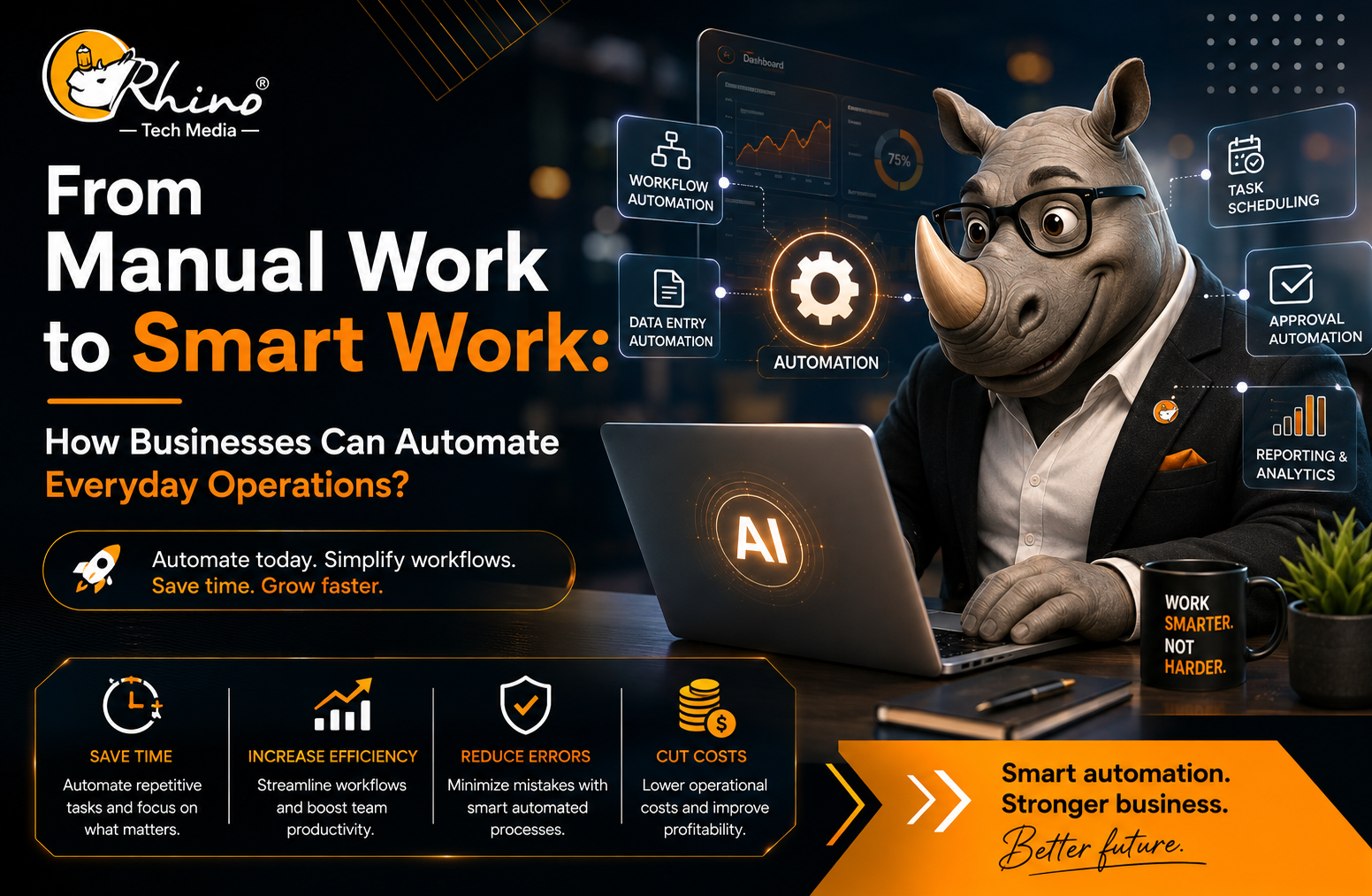
Every business has routine tasks that quietly consume valuable time.
Employees copy information between spreadsheets, update customer records, prepare reports, respond to repetitive emails, follow up on approvals and move data between different software platforms.
Individually, these tasks may seem small. Together, they can take hours every week.
This is where can make a real difference.
Automation uses software, integrations, digital workflows and AI to handle repetitive work with less manual effort. The goal is not to replace people. It is to reduce unnecessary work so employees can focus on tasks that require judgment, creativity and human interaction.
What Is Business Process Automation?
Business process automation means using technology to perform repetitive, rule-based tasks with limited manual intervention.
For example, when a customer submits a website enquiry, a manual process may require an employee to enter the details into a CRM, notify a salesperson, send a confirmation email and create a follow-up reminder.
An automated workflow can connect these steps:
Website enquiry → CRM entry → Sales notification → Confirmation email → Follow-up task
The salesperson still decides how to approach the customer. Automation simply handles the administrative work around that decision.
Why Businesses Are Moving Toward Automation?
Automation is becoming an important part of digital transformation. McKinsey research found that 70% of respondents said their organizations were at least piloting automation technologies in one or more business functions.
The opportunity is not limited to large companies. Any business with repetitive processes can identify areas where automation can save time and improve consistency.
1. Less Repetitive Work
Reports, data entry, follow-ups and routine notifications can often be automated.
Instead of spending hours collecting information and preparing reports, employees can spend more time analysing the results and making decisions.
2. More Consistent Processes
Manual processes depend on employees remembering every step.
Automation can apply predefined rules consistently.
For example, businesses can automatically:
- Assign new leads to the right salesperson
- Send payment reminders
- Notify managers about pending approvals
- Create follow-up tasks
- Escalate unresolved support tickets
3. Faster Customer Response
Customers expect quick responses.
An automated workflow can acknowledge a request, create a support ticket and notify the appropriate employee immediately. This helps prevent enquiries from sitting unnoticed in an inbox.
Where Businesses Can Use Automation?
Sales and Lead Management
Sales teams can automate:
- Website lead capture
- CRM updates
- Lead assignment
- Follow-up reminders
- Appointment notifications
- Sales reports
- Routine email responses
McKinsey estimates that about one-third of sales and sales-operations tasks can be automated with current technology.
For example, when someone downloads a product brochure, an automated workflow can record the lead, notify the relevant salesperson and create a follow-up task.
Finance and Accounting
Finance teams can automate repetitive activities such as:
- Invoice creation
- Payment reminders
- Expense approvals
- Receipt collection
- Payment confirmations
- Recurring reports
- Data entry between systems
This allows finance teams to spend more time on analysis, planning and exceptions instead of routine administration.
Human Resources
HR automation can support:
- Employee onboarding
- Interview scheduling
- Document collection
- Leave workflows
- Training reminders
- Internal notifications
For example, when a new employee joins, an automated workflow can notify IT, trigger account creation and send onboarding documents.
Customer Support
Customer support can also benefit from connected workflows.
A typical process could be:
Customer request → Issue identification → Ticket creation → Team assignment → Acknowledgement → Resolution → Customer notification
AI can further assist by summarising conversations, identifying customer intent and helping employees find relevant information.
How AI Is Taking Automation Further?
Traditional automation generally follows predefined rules.
AI-powered automation can also work with less structured information such as emails, documents and customer conversations.
For example, an AI system can analyse a customer message, identify the likely issue and recommend the next step rather than relying only on fixed rules.
AI adoption is growing rapidly. McKinsey’s 2025 research found that 78% of respondents said their organizations used AI in at least one business function.
However, using AI does not automatically create business value.
The better approach is to identify a real business problem first and then decide whether traditional automation, AI or a combination of both is the right solution.
Use AI because it improves the process, not simply because AI is trending.
How to Identify the Right Processes to Automate?
Not every task needs automation.
Good candidates are usually processes that are:
- Repeated frequently
- Time-consuming
- Based on clear rules
- Prone to manual errors
- Dependent on transferring information
- Easy to measure
Start by asking employees:
What task do you repeat every day?
Where do you enter the same information more than once?
Which reports take the most time to prepare?
Which approvals are regularly delayed?
Which customer questions appear repeatedly?
These answers can reveal practical automation opportunities.
A Simple Automation Roadmap
Step 1: Map the Process
Document the current workflow, including people, systems, approvals and repeated tasks.
Step 2: Start Small
Choose one high-impact process such as lead assignment, invoice reminders or employee onboarding.
Step 3: Connect Your Systems
Connect CRM, accounting, email, project management and support platforms through integrations or APIs where appropriate.
Step 4: Keep Humans Involved
Sensitive financial decisions, employee matters, complex complaints and strategic decisions may still require human judgment.
Good automation should know when to complete a task automatically and when to involve a person.
Step 5: Measure the Results
Track:
- Time saved
- Processing time
- Error rates
- Response time
- Manual steps removed
- Customer satisfaction
- Cost per process
This shows whether automation is delivering real business value.
Common Mistakes to Avoid
Businesses should avoid:
- Automating a poorly designed process
- Using too many disconnected tools
- Ignoring data security
- Removing human review from sensitive decisions
- Failing to train employees
- Automating without measuring results
Successful automation is not just a technology project. It is a business process improvement project.
The Human Side of Smart Work
The most important question is not:
“What can technology do?”
It is:
“What should technology do so our people can do better work?”
When repetitive reporting is automated, employees can focus on analysis.
When lead management is automated, sales teams can spend more time with prospects.
When AI summarises customer conversations, support teams can focus on solving problems rather than reading through long message histories.
That is the real meaning of smart work.
Conclusion
Moving from manual work to smart work is about making everyday operations more efficient.
Businesses can start by automating repetitive activities such as lead management, reporting, invoicing, employee onboarding and customer follow-ups.
The best approach is simple:
Identify one repetitive process. Improve it. Automate it. Measure the results. Then scale.
With the right combination of automation, AI and connected business systems, companies can reduce manual work, improve consistency and give employees more time for higher-value work.
